
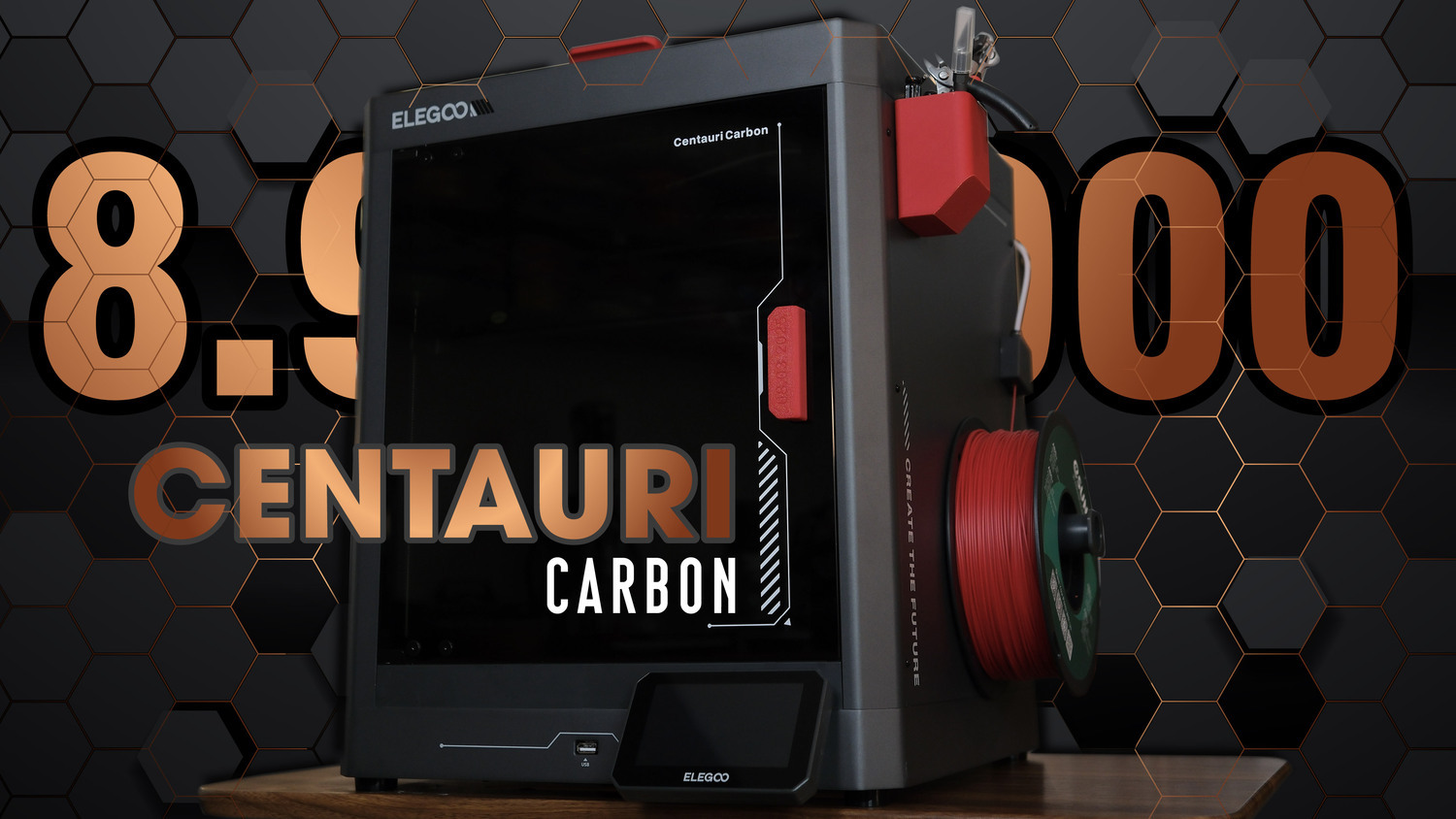
Hi everyone! In this post, I'm going to share wih you a new 3D printer from Elegoo called Centauri Carbon. This is the first CoreXY 3D printer of their brand, and also the first model to feature such a fully enclosed design.
 INTRODUCTION:
Elegoo is a long-established brand in the 3D printing industry, known for manufacturing not only 3D printers but also 3D printing materials and accessories. Their products are generally affordable, accessible to users. And the Centauri Carbon is definitely no exception. With an official retail price in Vietnam of 8.9 million VND, I personally find it to be a reasonable price considering the quality and performance it offers. When it comes to pricing, the Centauri Carbon sits in the same segment as the Bambu Lab A1, but when it comes to performance, design, and mechanical structure, it's closer to the P1S.
EXTERNAL OVERVIEW:
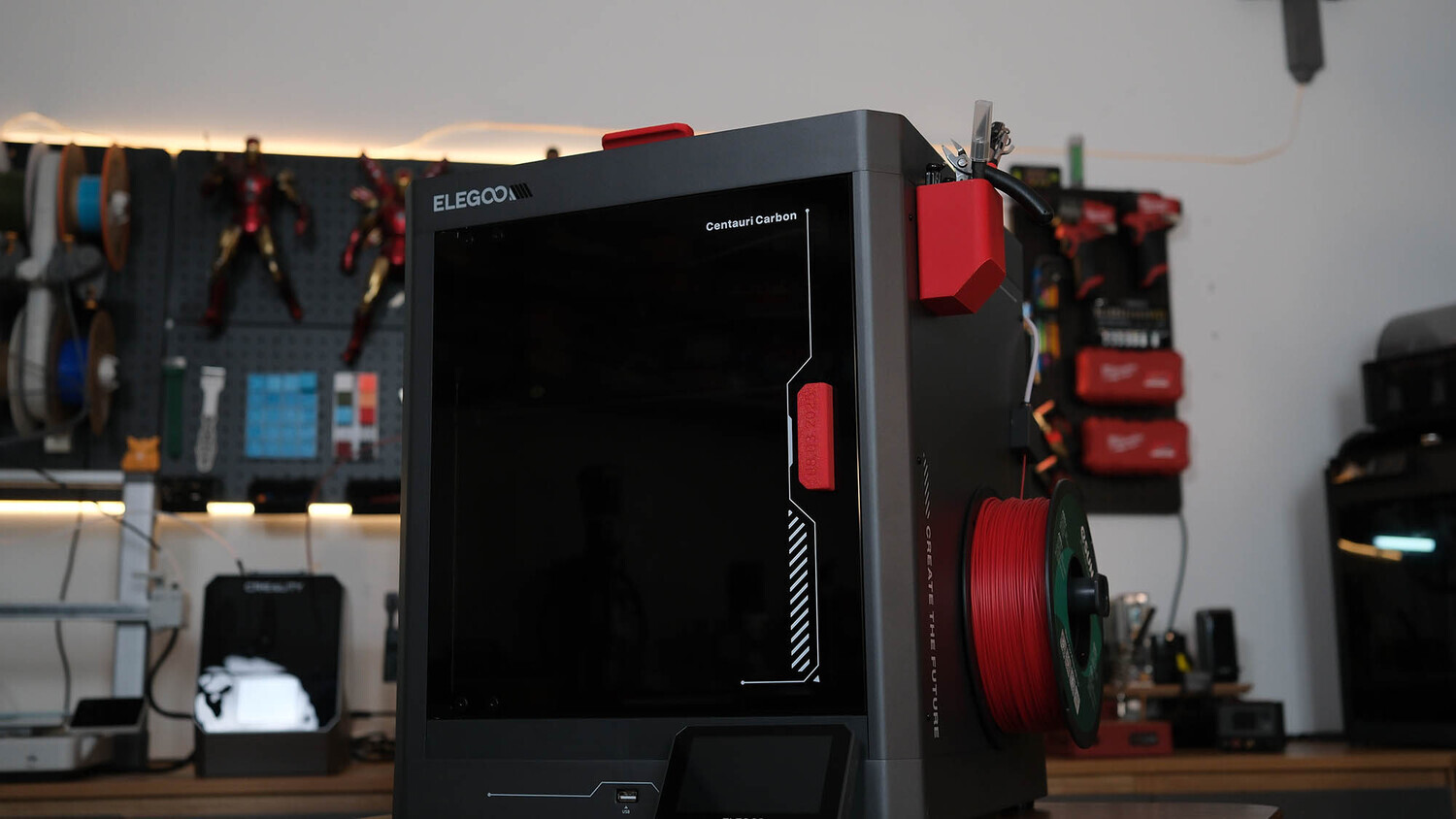
First, let’s take a look at the overall exterior, focusing on aesthetics as well as the strong and weak points. Talk about the appearance, as you can see, this is a fully enclosed printer with an all-metal frame. With its official price of only $300, Elegoo has clearly put in a lot of effort to build the frame and all key structural components out of solid aluminum.
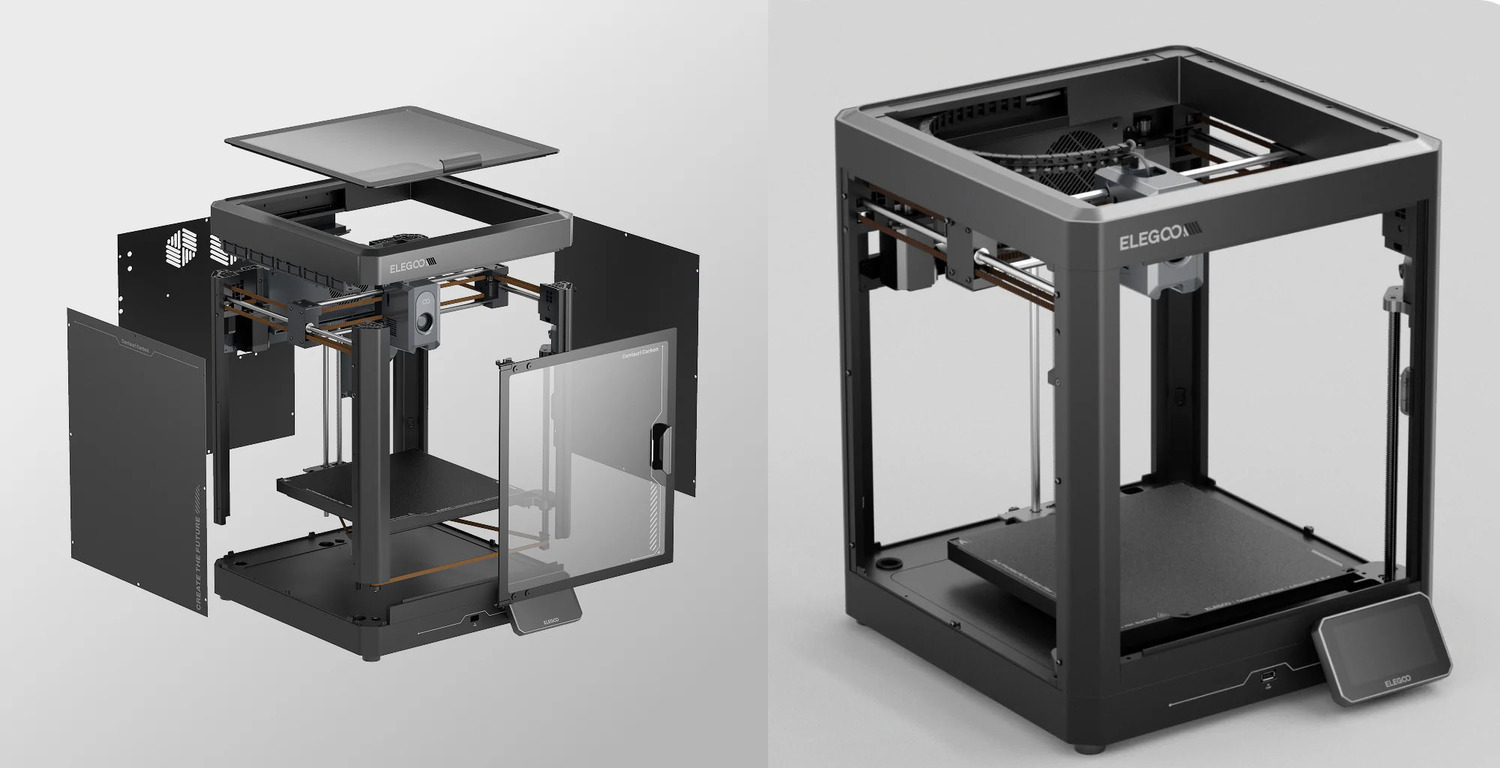
By using a solid, one-piece metal frame, the printer is now able to reduce vibrations more effectively, become more rigid, and achieve more accurate motion throughout the 3D printing process. Compared to the Bambu Lab P1S and X1C, the Centauri Carbon is roughly 4 kg heavier.
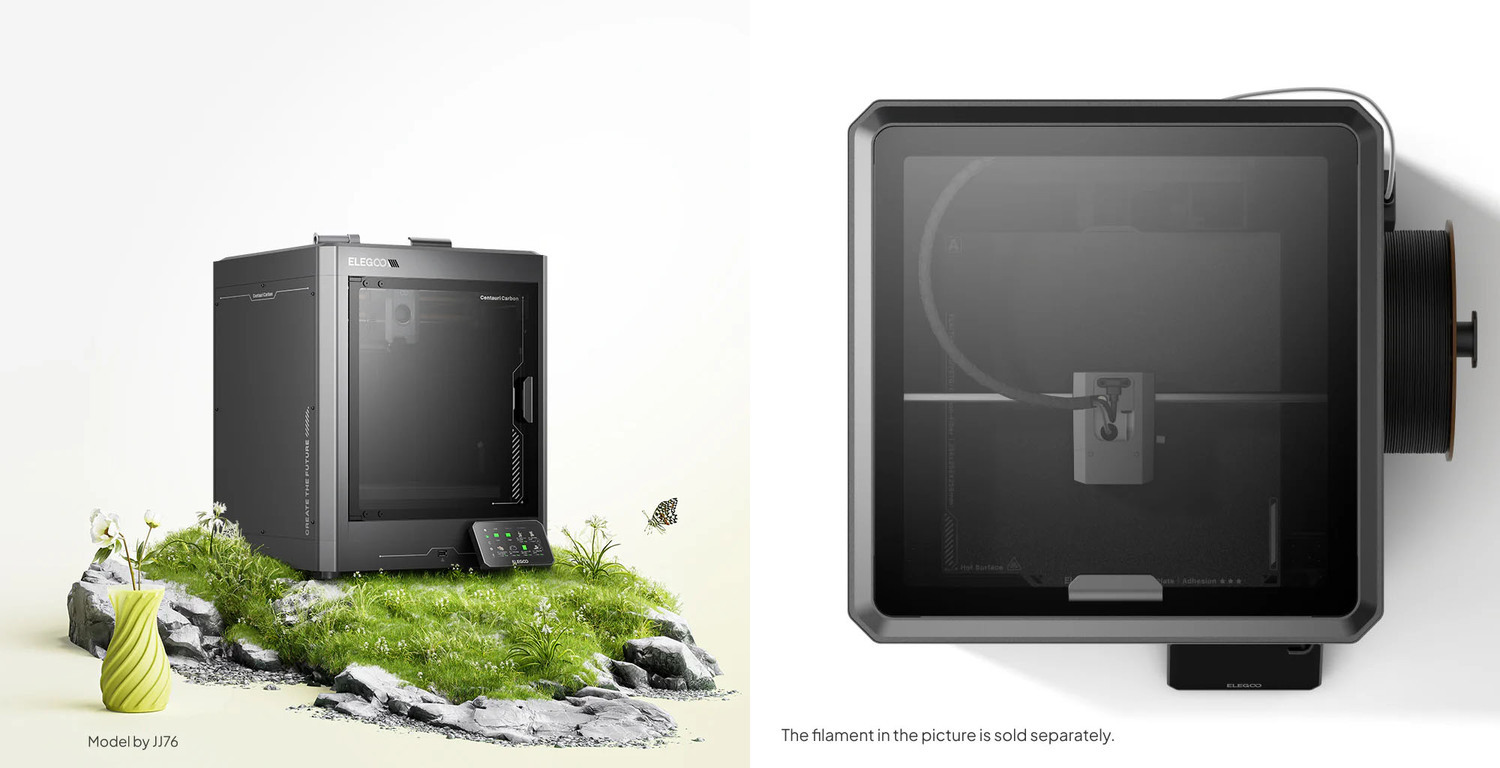
The overall design is similar to other enclosed 3D printers, featuring two glass panels: a front door and a top door.
For the top door, when printing with PLA, users are recommended to keep it open, as stated in the warning printed on the glass. As you may notice, opening the enclosure during PLA printing helps prevent the build chamber from overheating, which could otherwise cause print failures.
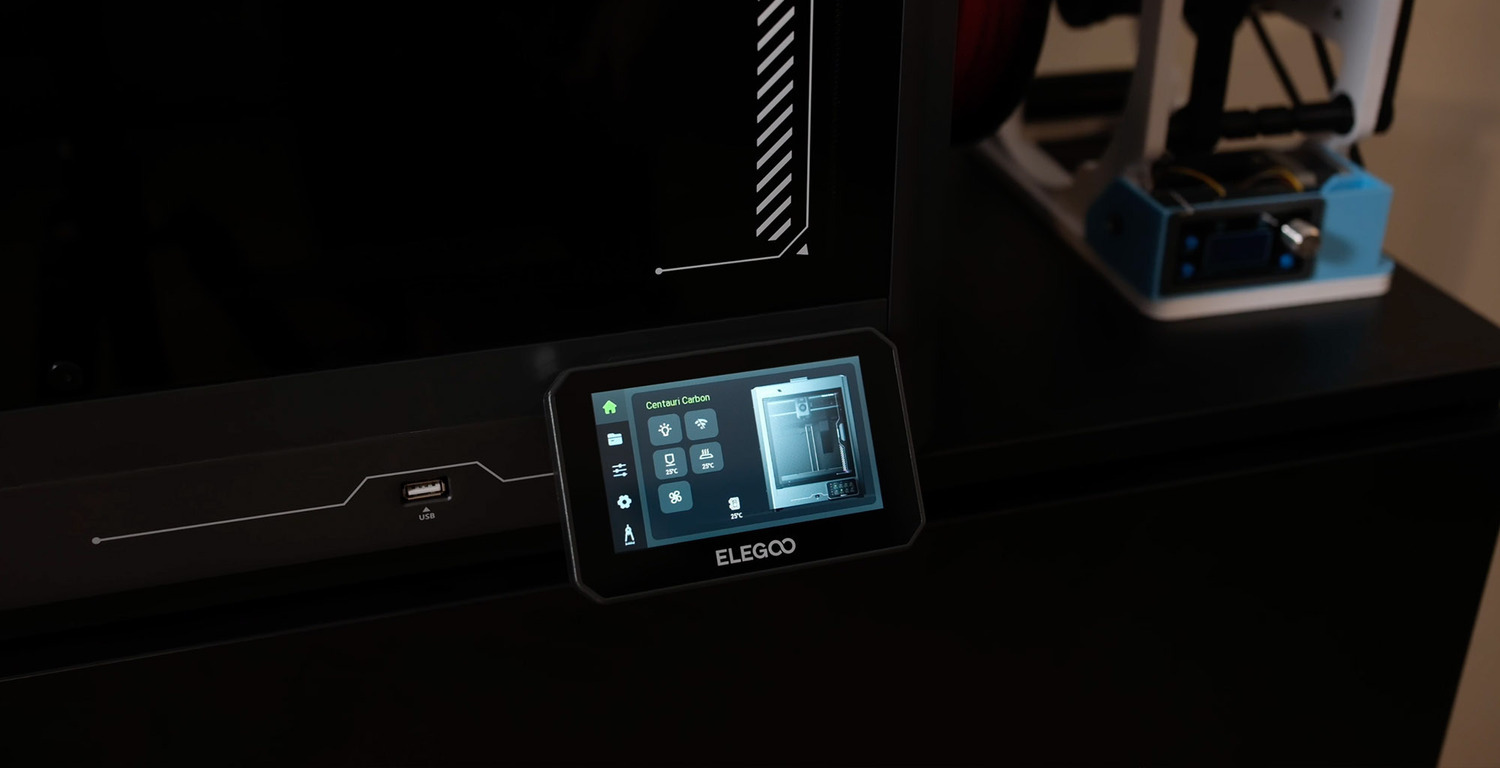
The printer is equipped with a large 4.3-inch touchscreen that is clear, easy to read, and provides all the necessary functions for users to conveniently operate and control the machine. You can load and unload filament, level the build plate, adjust network settings through this built-in screen and handle most operations without needing to use Elegoo Slicer software. For an easier comparison, this screen is larger than the one on Bambu Lab A1 and far better than the physical button-based screen on the P1S. It’s just not as premium or polished as the display on the Bambu Lab X1 Carbon. But then again, the X1 Carbon costs around four times more.

The filament holder on the Centauri is mounted on the side of the machine, which is more convenient than mounted at the back, as found on other printers. For users whose printer placement does not have enough free space at the back, having the filament mounted on the side like this is clearly more practical. However, there is one issue worth mentioning: the metal panel on this side is pretty thin and not firmly reinforced into the main frame, which might lead to a bit flimsy, and when users hang a filament spool on it, the panel tends to flex and gets pulled outward.
INTERIOR AND HARDWARE
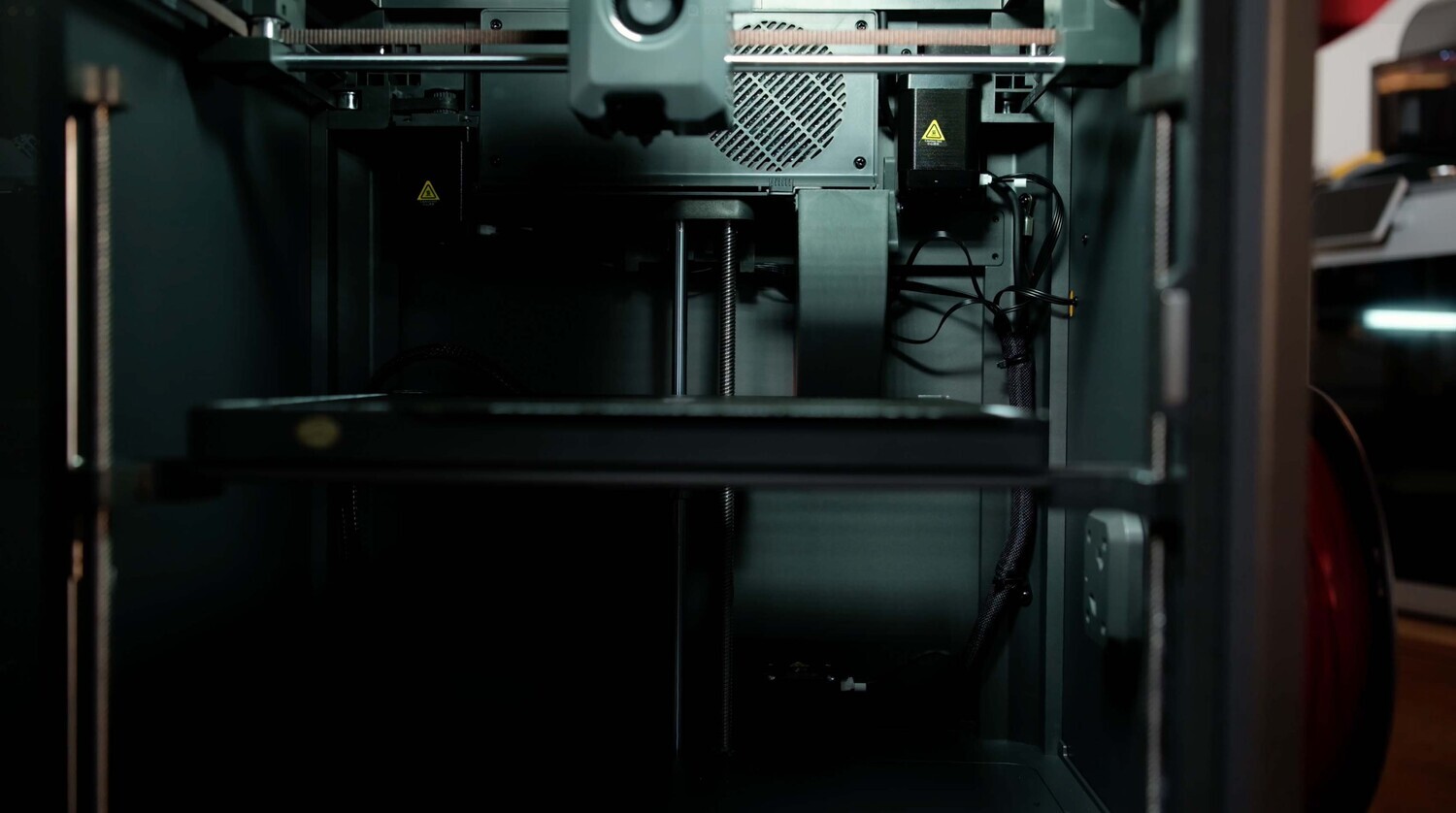 Interior: As for the interior, I’m not particularly impressed with the Centauri Carbon. This may be because most of the printers I’ve used before had much more refined and well-organized internal layouts. The interior of the Centauri Carbon feels fairly basic and could be better organized. Adding cover panels to conceal the connectors, motors, wiring... would likely help make the interior look cleaner and more refined overall.
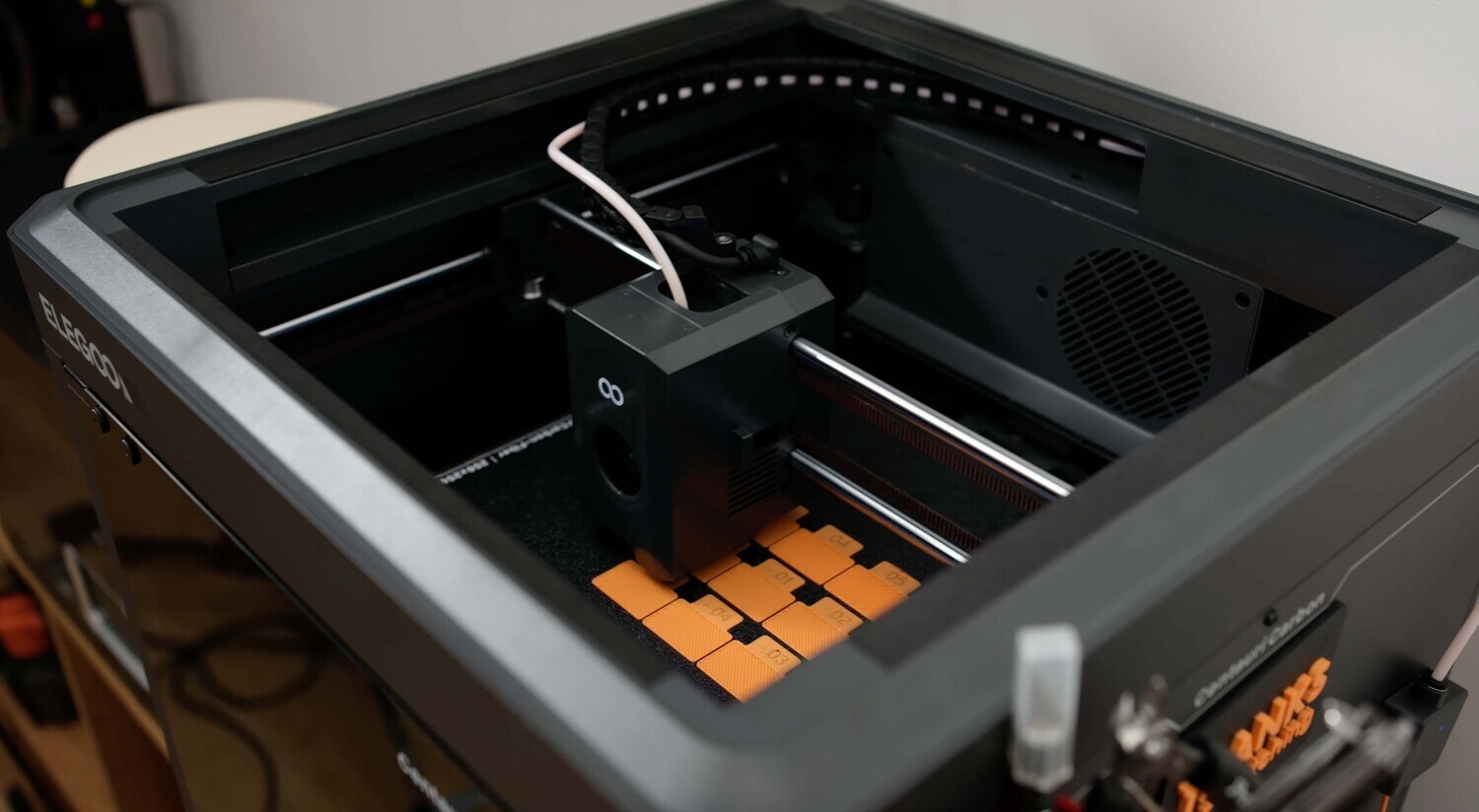 CoreXY: As for the motion system of the print head, the Centauri Carbon uses a CoreXY mechanism, this is a very commendable effort from Elegoo, as they’ve brought a CoreXY motion system to a printer in a relatively affordable price range. The advantages of a CoreXY system is that you will get a lighter print head, higher speeds, better accuracy, higher acceleration, and lower inertia.
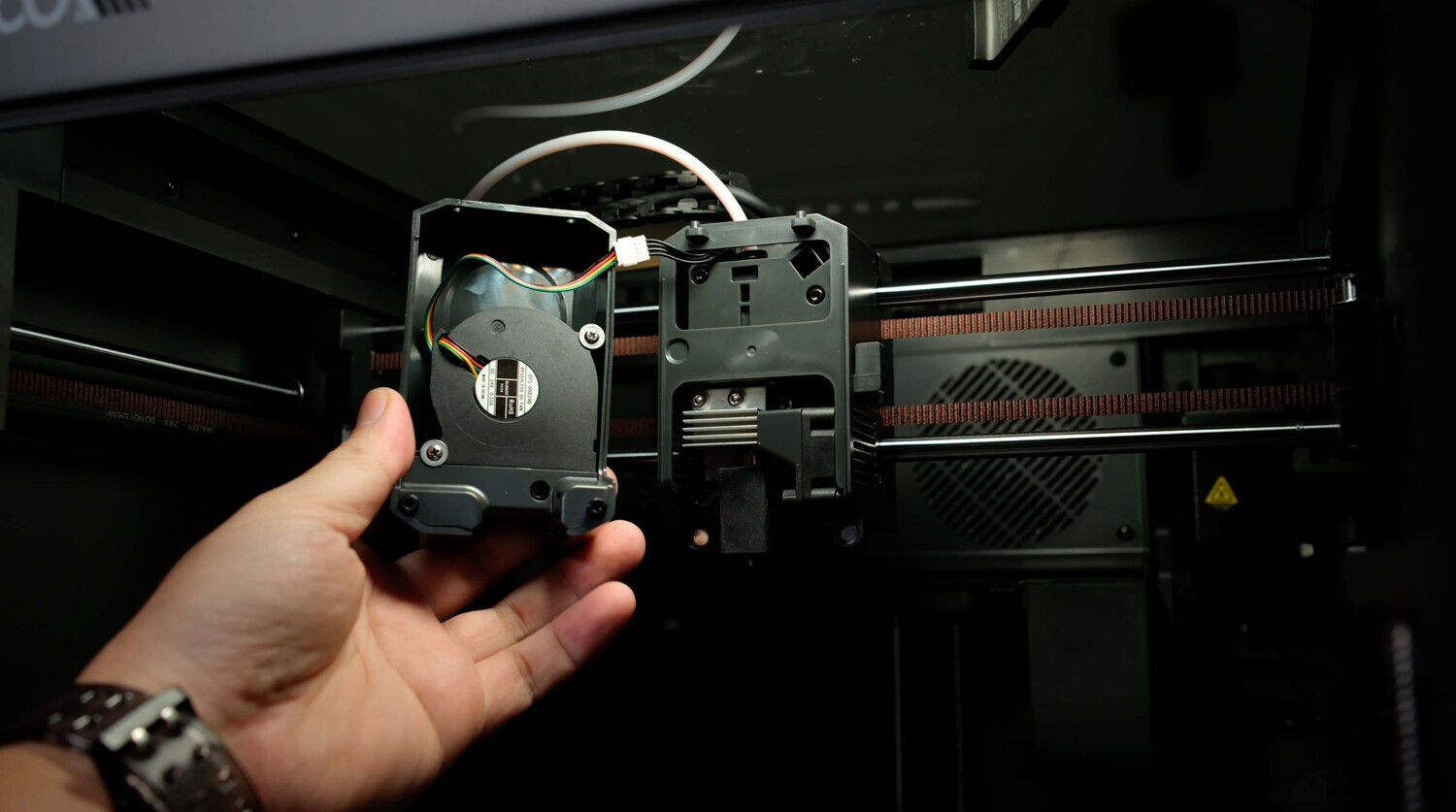 Hardest nozzle 0.4: The Centauri Carbon comes pre-equipped with a 0.4mm hardened steel nozzle, allowing users to confidently print more demanding materials, such as filament variants reinforced with Carbon Fiber, Glass Fiber...
 Carbon filter: Since the Centauri Carbon features an enclosed chamber design, it helps us reduce odors, dust, and noise during operation.
 It comes pre-equipped with a carbon filter inside the chamber, helping to reduce odors and dust during the printer’s operation.
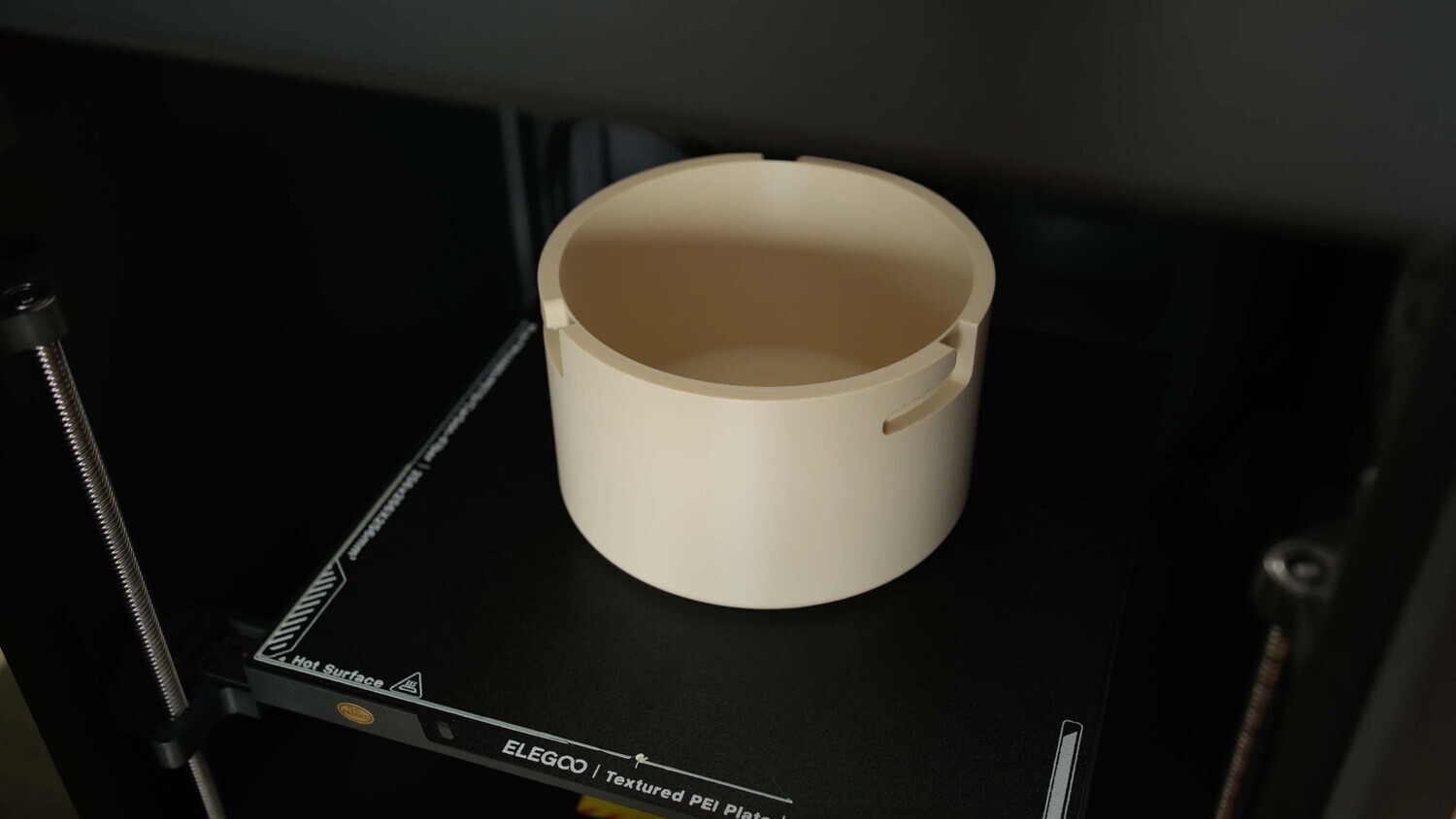 Build Volume 256mm³: The Centauri Carbon has a build volume of 256 × 256 × 256 mm, which is a fairly common size among many 3D printers currently on the market. It’s neither too small nor particularly large, and personally, I hope to own a larger-format printer in the future.
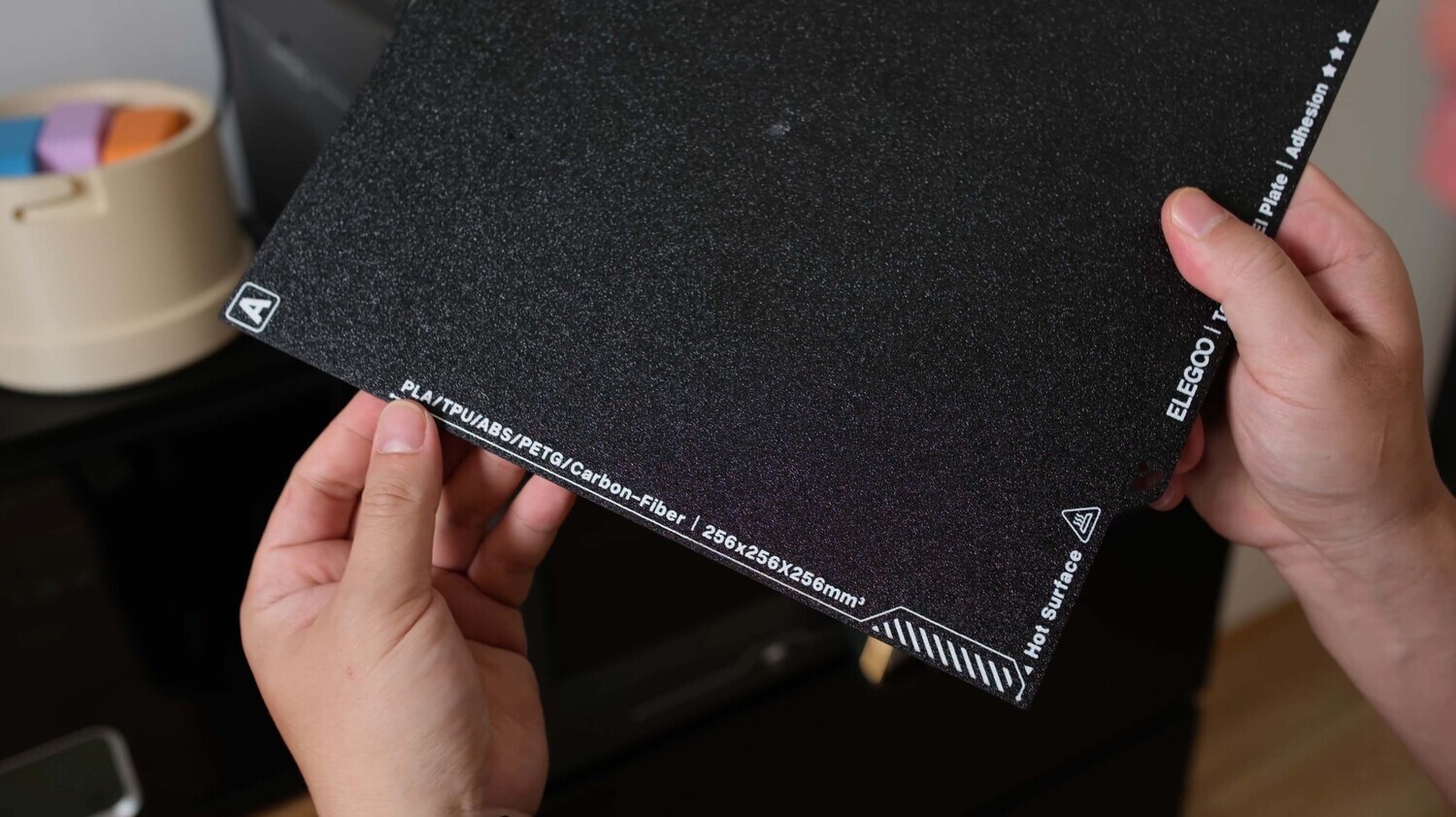 Dou-Plate Texture: The plate that comes with the Centauri Carbon features two different surfaces. One side is a smooth surface, mainly intended for PLA. It helps produce a cleaner and smoother bottom surface on the printed parts. The other side is a traditional PEI surface, with bigger texture that provides stronger adhesion and supports a wider range of filament types. Throughout my time using this plate, I haven’t experienced any layer lifting or other issues with this plate, it performs quite well overall. Meanwhile, on my Bambu Lab printers, I almost never use the default PEI plates, as they don’t suit my requirements or meet my personal standards.
Feel free to check out my review video below, where I share my initial impressions after using the Elegoo Centauri Carbon.