BAMBU LAB
H2D
Bambu Lab's first dual-nozzle printer that also handles laser engraving and cutting, blade cutting and pen plotting. A 65 °C heated chamber, 350 °C hotends and up to 350 mm of width — a mini workshop in one box.
More than a printer — a personal making hub
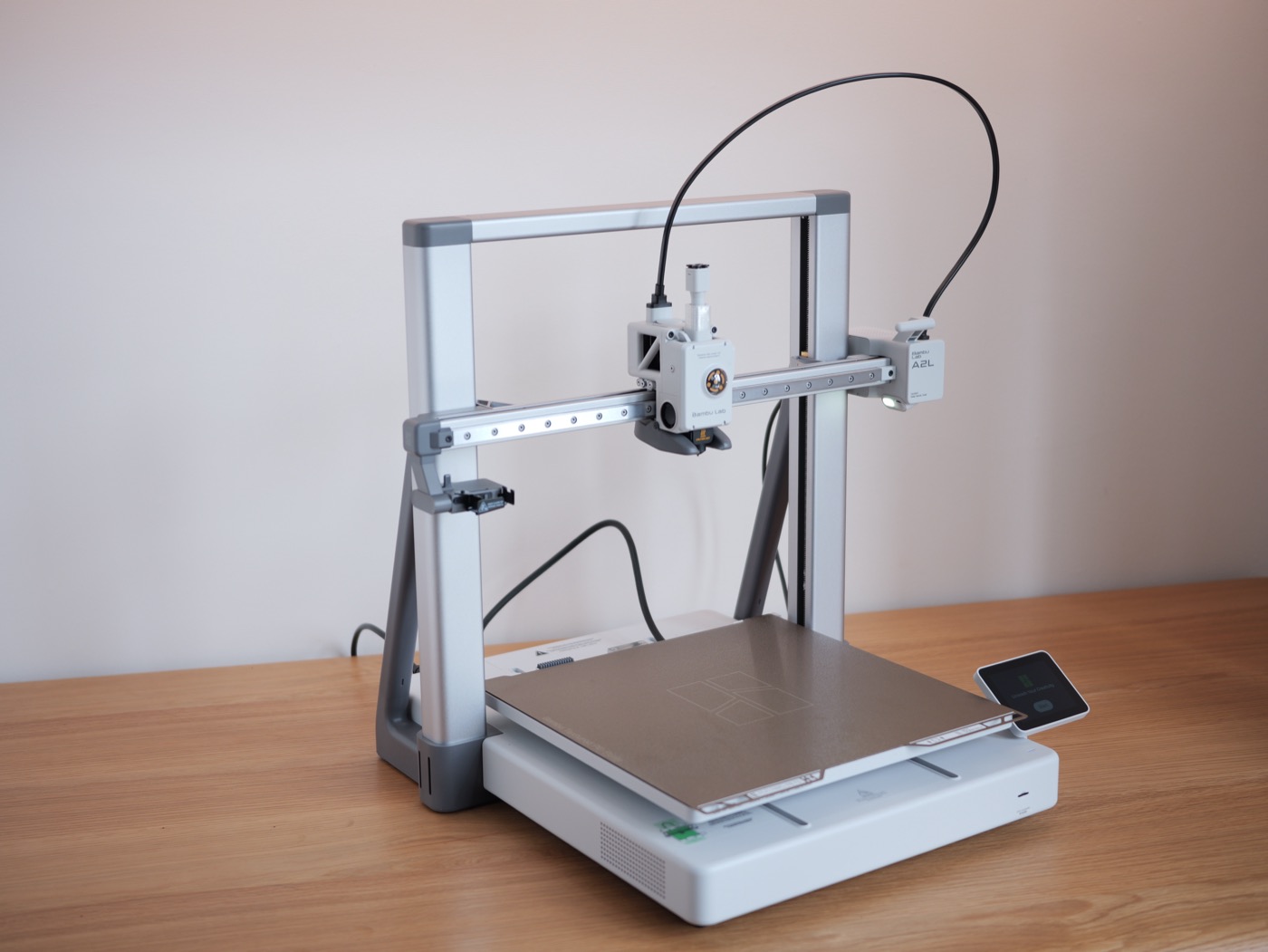
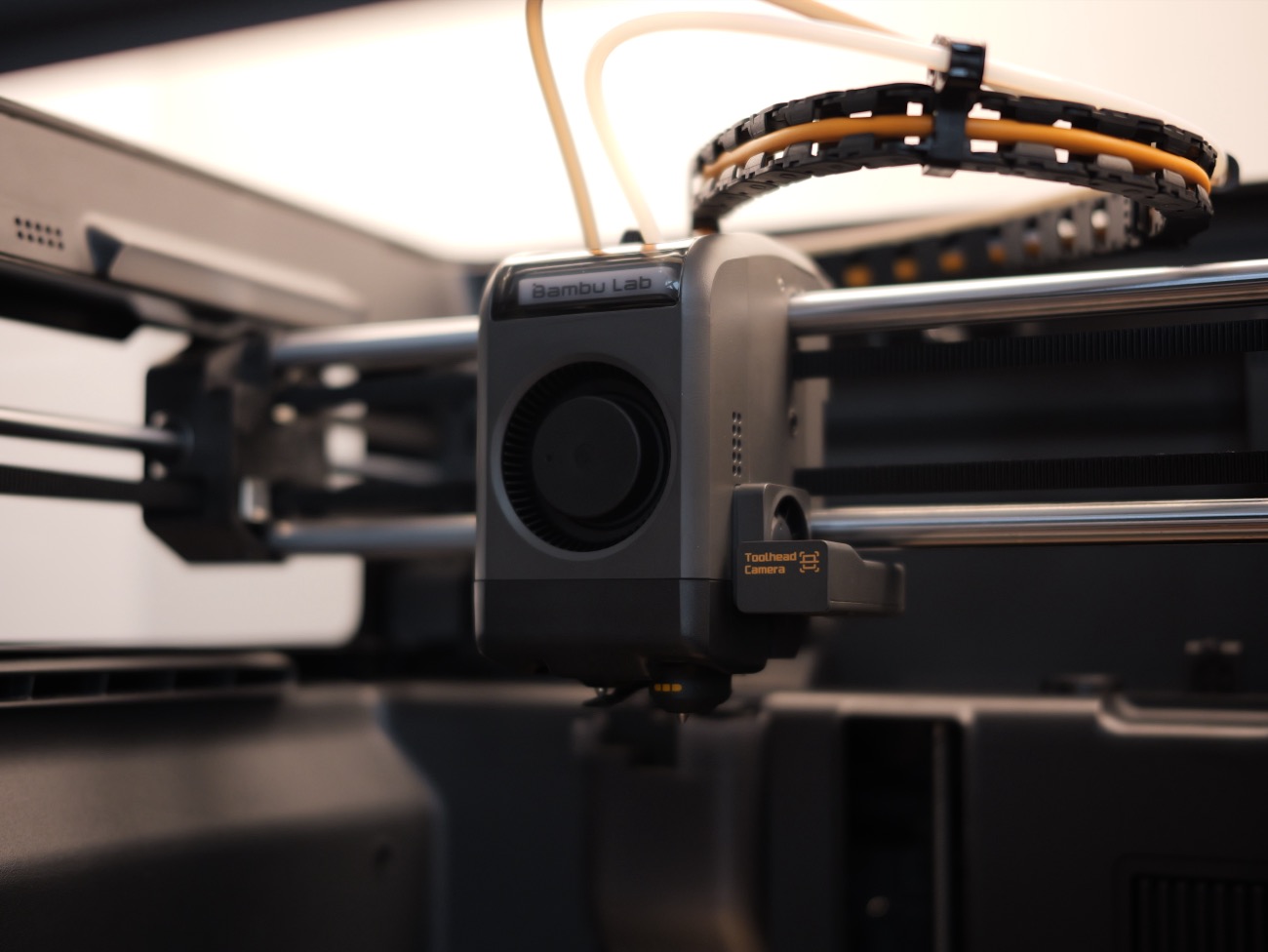
The Bambu Lab H2D launched in March 2025 as the company's top machine at the time. First, it puts two nozzles in one toolhead: the printer switches between them on its own, so two materials (rigid + flexible, or one nozzle just for support) print with almost no purge between them. Second, the H2D is a platform: add the 10W or 40W laser module, the blade or the pen and it becomes an engraver, a vinyl cutter or a plotter. Mine is the international version — first impression: big, solid, and full of sensors doing the babysitting for you.
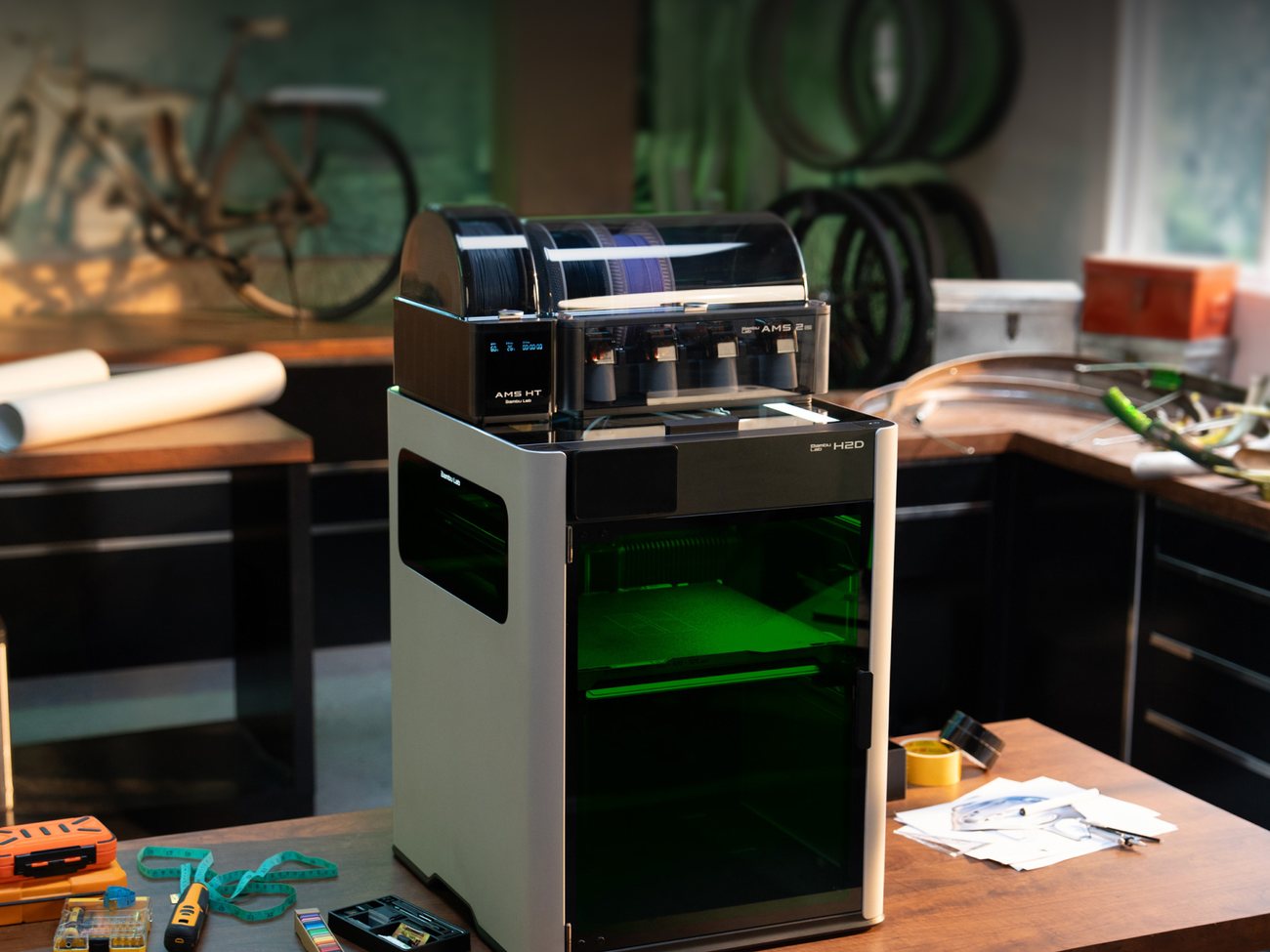
What the H2D does well
Two nozzles, under 25 µm offset
The two nozzles are auto-calibrated with eddy-current sensing before every print, to under 25 µm. Print rigid + flexible, or dedicate one nozzle to support material — clean supports with far less purge.
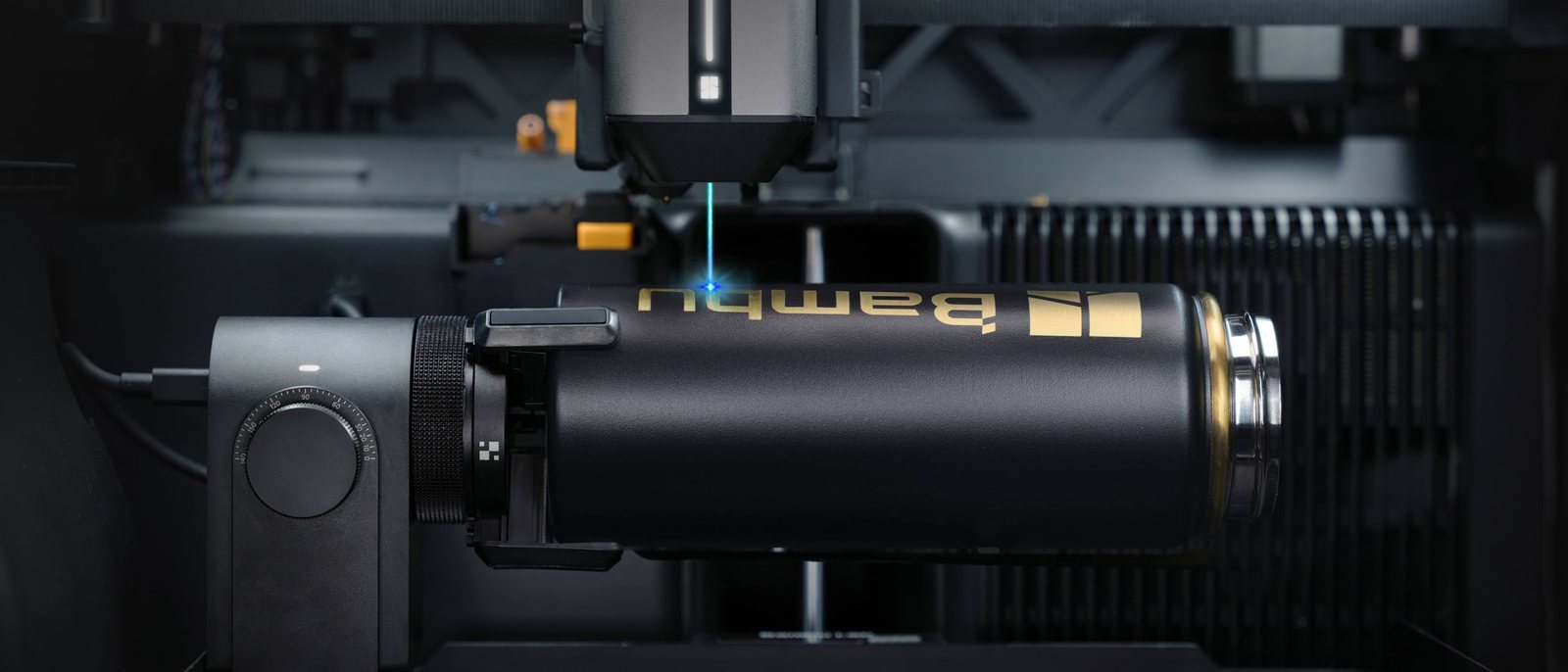
10W/40W laser, blade and pen
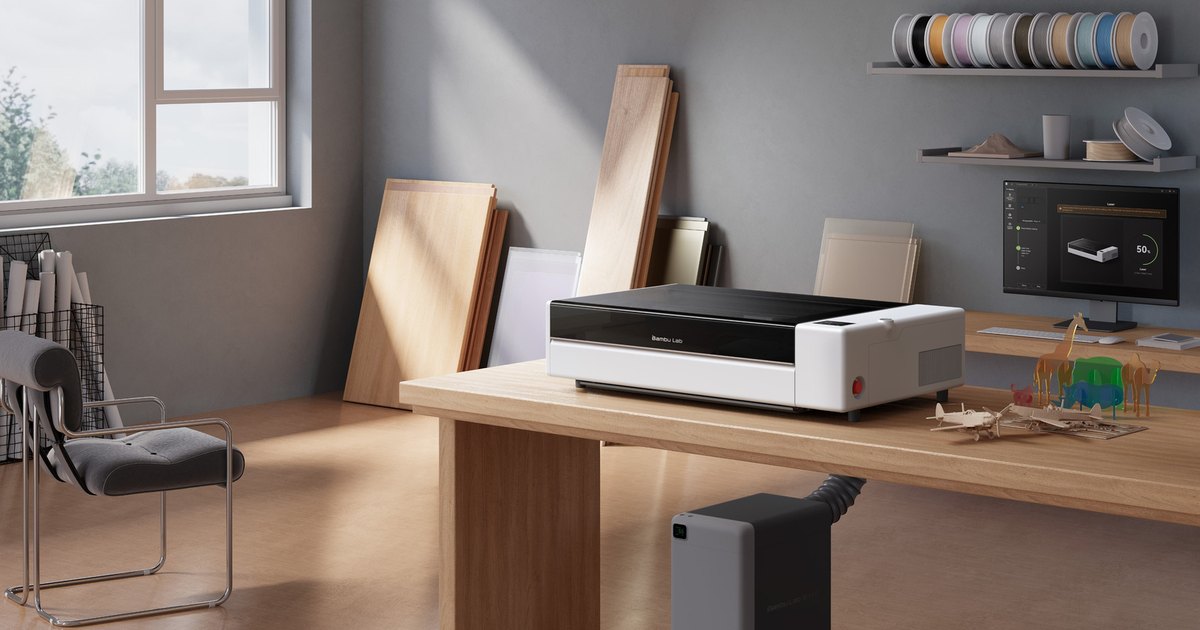
Add the 455 nm laser: the 10W cuts 5 mm plywood, the 40W up to 15 mm. There's also a blade (vinyl, paper, leather) and a pen — Laser editions add a BirdsEye camera that places the job on your material to about 0.3 mm.
350 °C + a 65 °C chamber
Hardened-steel hotends up to 350 °C and an actively heated 65 °C chamber — ABS, ASA, PC, PA, even PPS and CF/GF blends with less warping. Three-stage filtration: G3 + H12 HEPA + activated carbon.
50 µm accuracy with the Vision Encoder
Add the Vision Encoder plate (sold separately) and the printer measures and corrects its own motion to about 50 µm across the bed. With auto hole/contour compensation in Bambu Studio, shafts and bearings fit first time.
4 cameras, 36 sensors
A macro nozzle camera with AI catches clumping, air printing and spaghetti. The servo extruder samples at 20 kHz to flag grinding and clogs, and 15 sensors watch the filament path from the AMS to the nozzle.
Big volume, 2nd-gen AMS
325×320×325 mm with one nozzle (350 mm wide across both). Pair it with the AMS 2 Pro — built-in drying, automatic air vents and RFID; filament loads 60% faster than the previous generation.
Where it's not yet optimal
No machine is perfect — here are the trade-offs worth knowing before you buy, drawn from hands-on use and international reviews.
Pricey — laser editions even more so
At launch it started at $1,899 ($2,199 with AMS); the full laser combos ran $2,799 (10W) to $3,499 (40W). If you only need to print, the H2S costs far less and is even taller.
Big, heavy, loud on PLA
It's 492×514×626 mm and 31 kg — you need a sturdy table and room around it. The cooling fans at full tilt on PLA/PETG are loud; plenty of owners say louder than expected.
Lasering in the chamber needs extraction
Laser work puts smoke and residue right inside the print chamber — vent it outside or use a purifier. Two nozzles also cost some width: using both leaves 300 mm on X.
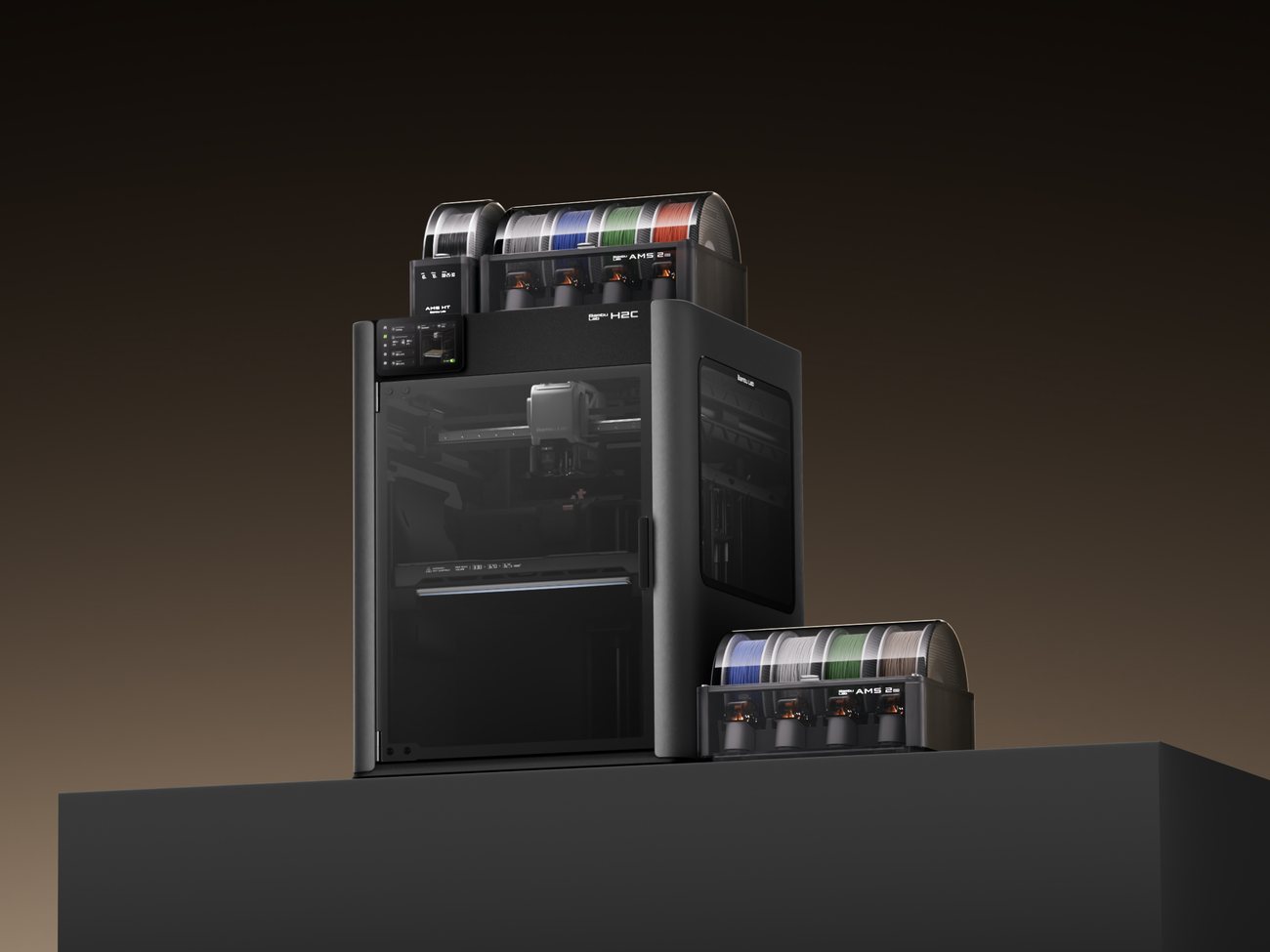
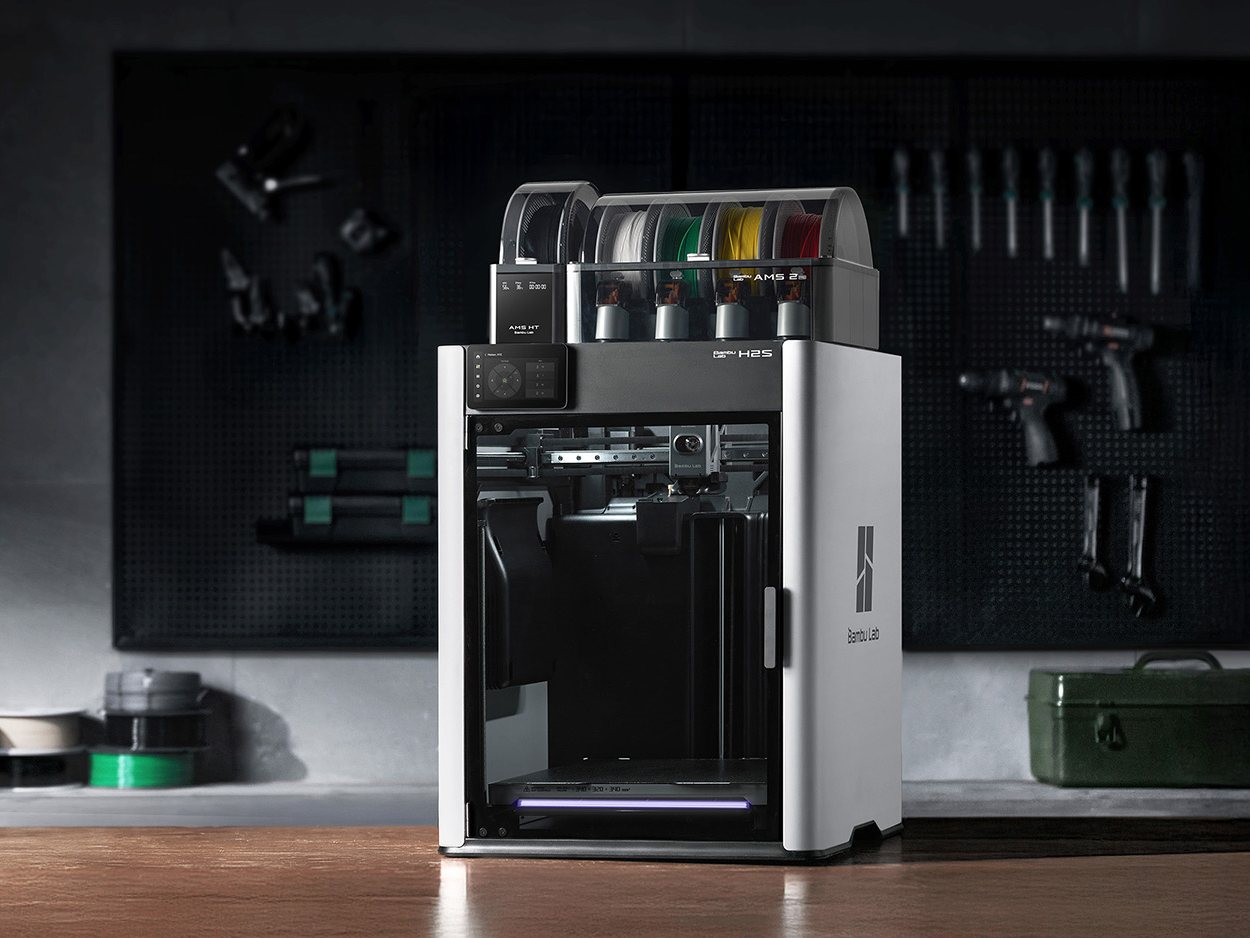
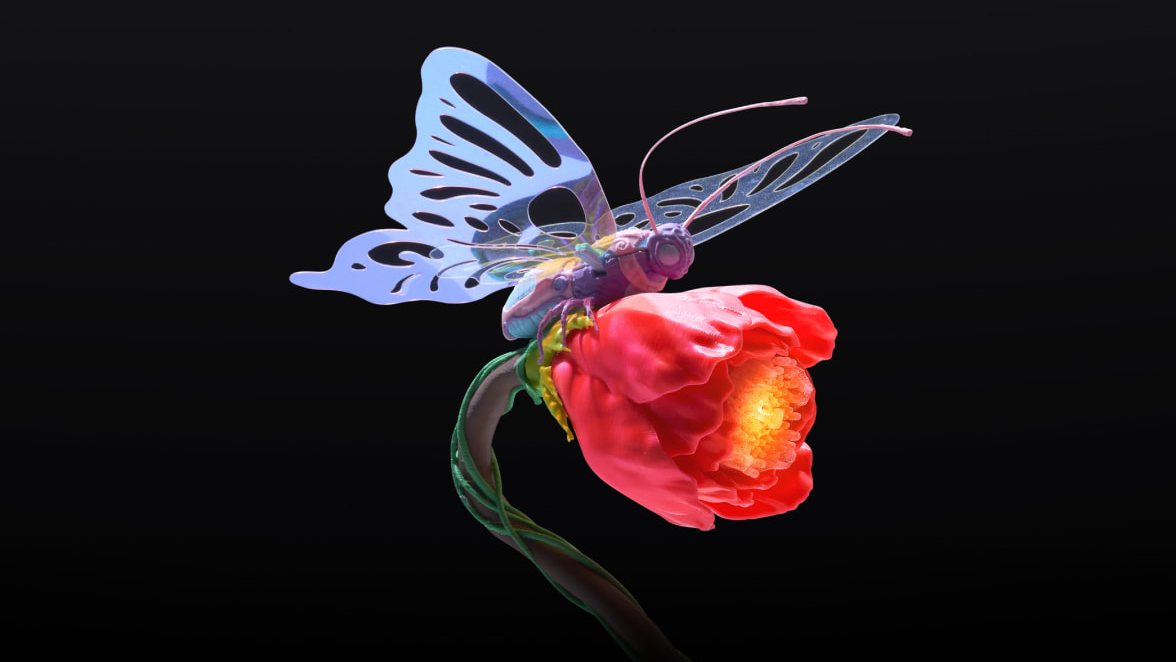
The H2D in Bambu Lab's photos
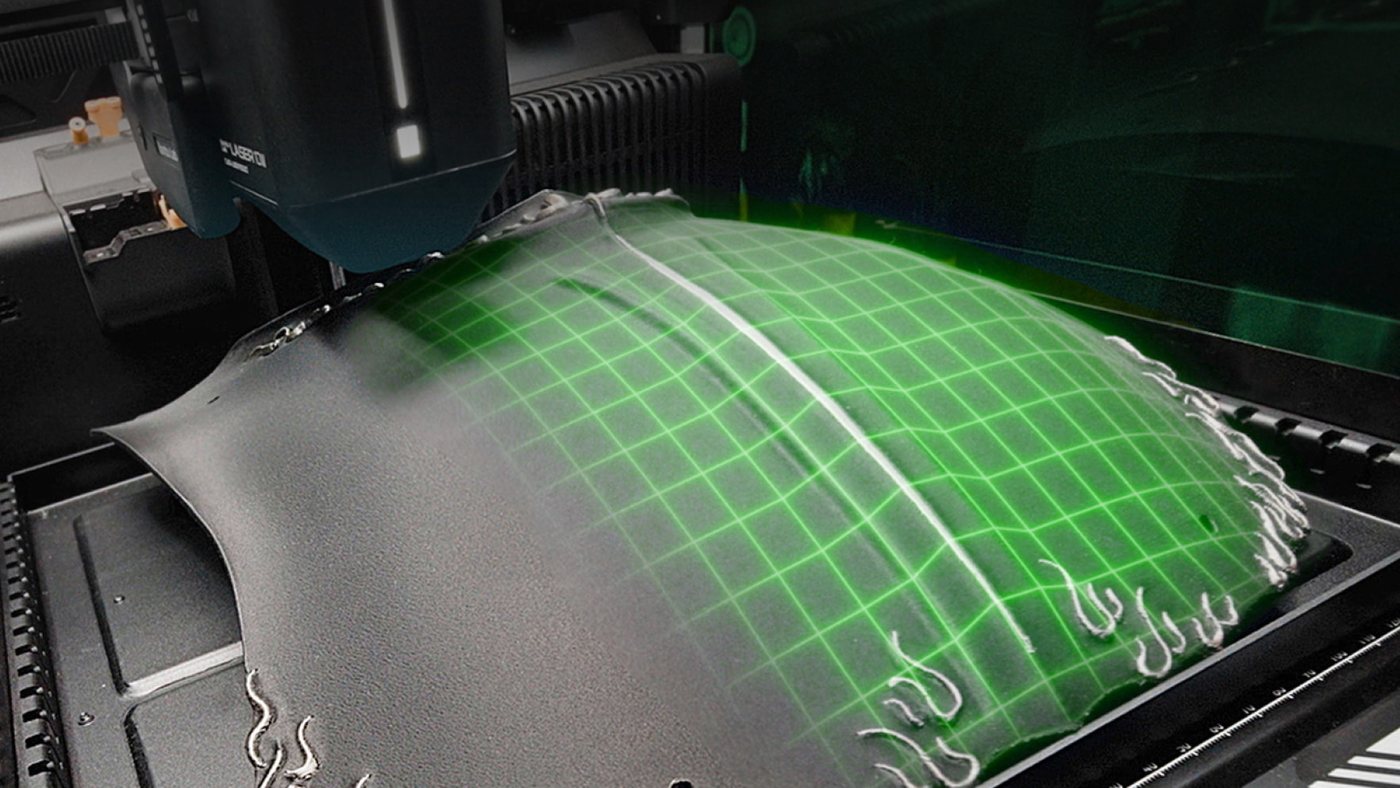
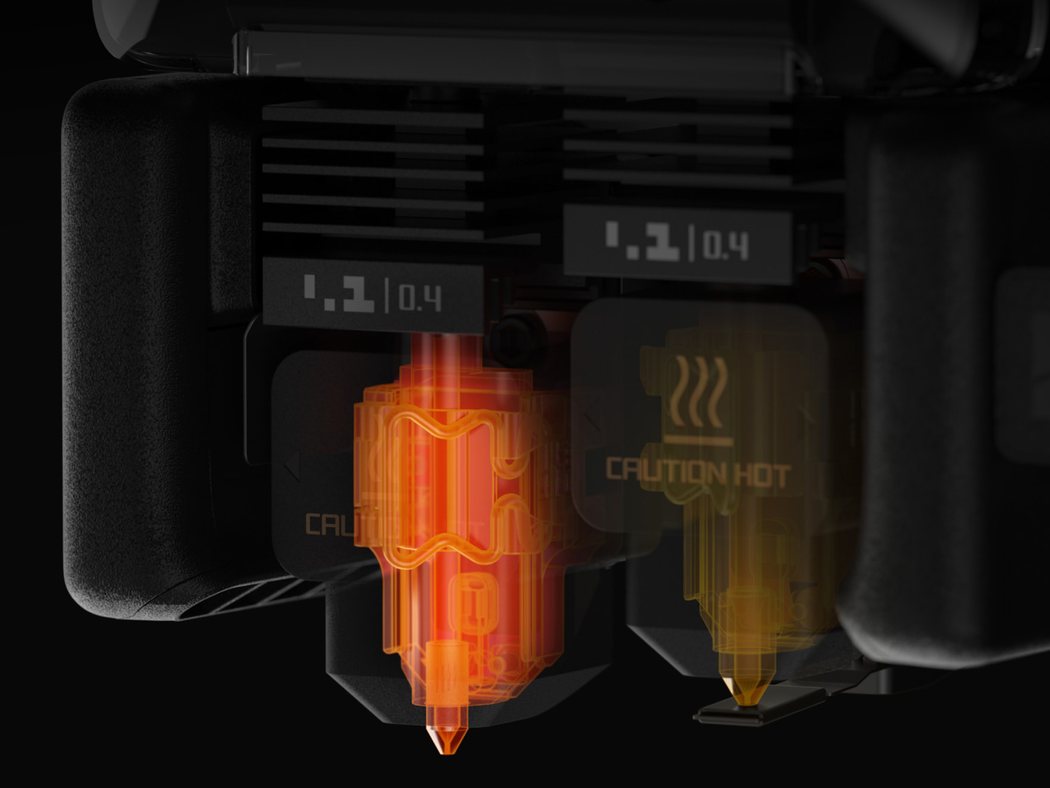
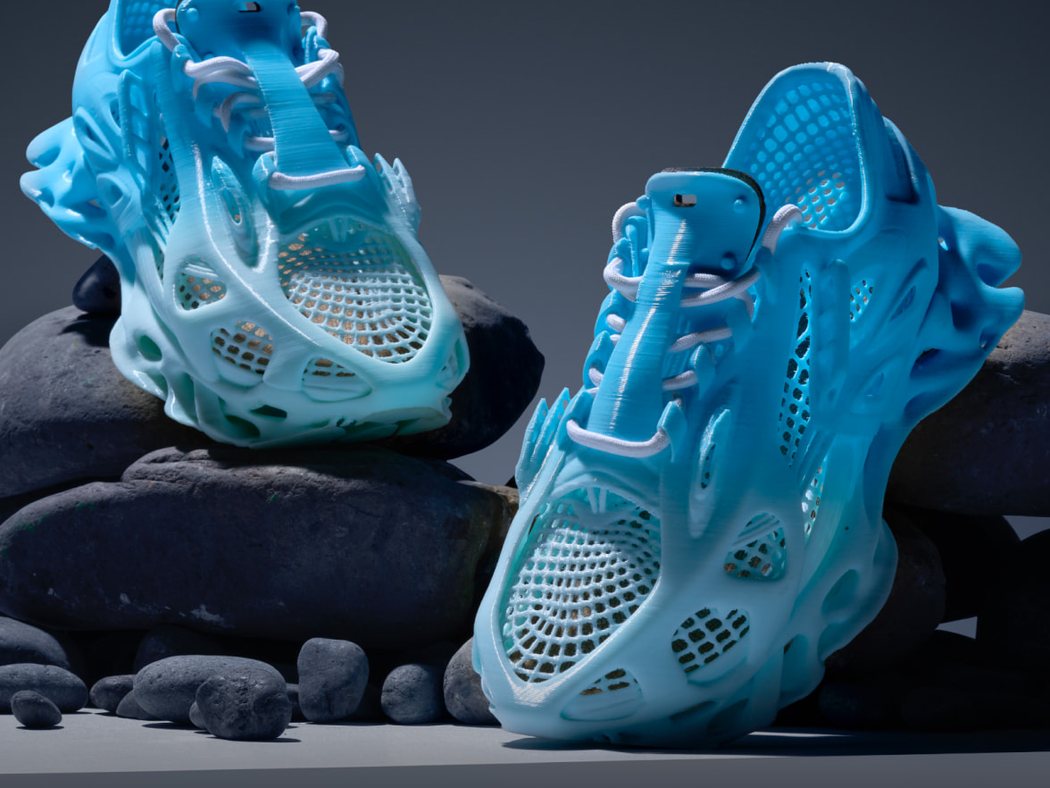
Technical details
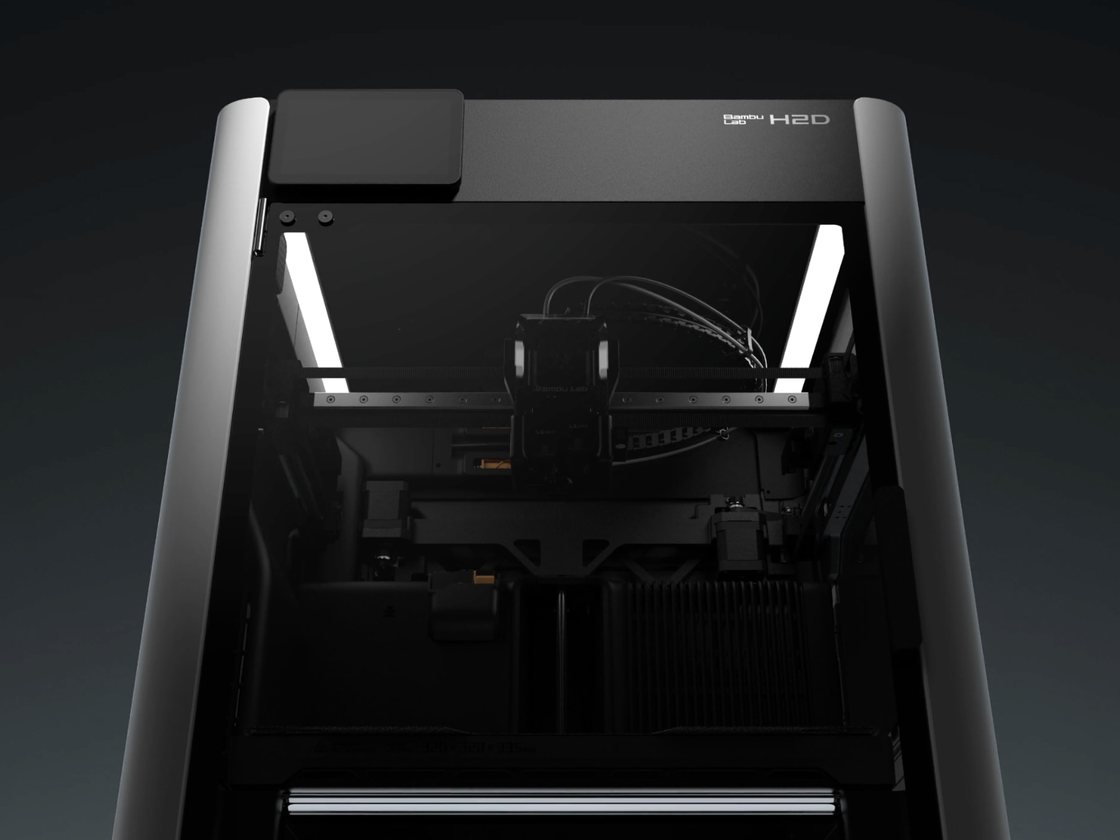
Watch the full H2D hands-on
I filmed the full unboxing and my first impressions of the H2D — the exterior, the AMS 2 Pro, inside the chamber and the laser module. Give it a watch and follow Ariel Studio so you don't miss the next one.