Snapmaker
U1
An affordable tool-changing printer: four independent toolheads, color swaps in seconds, and multi-color prints that are both fast and remarkably low-waste.
Four toolheads, color swaps in 5 seconds
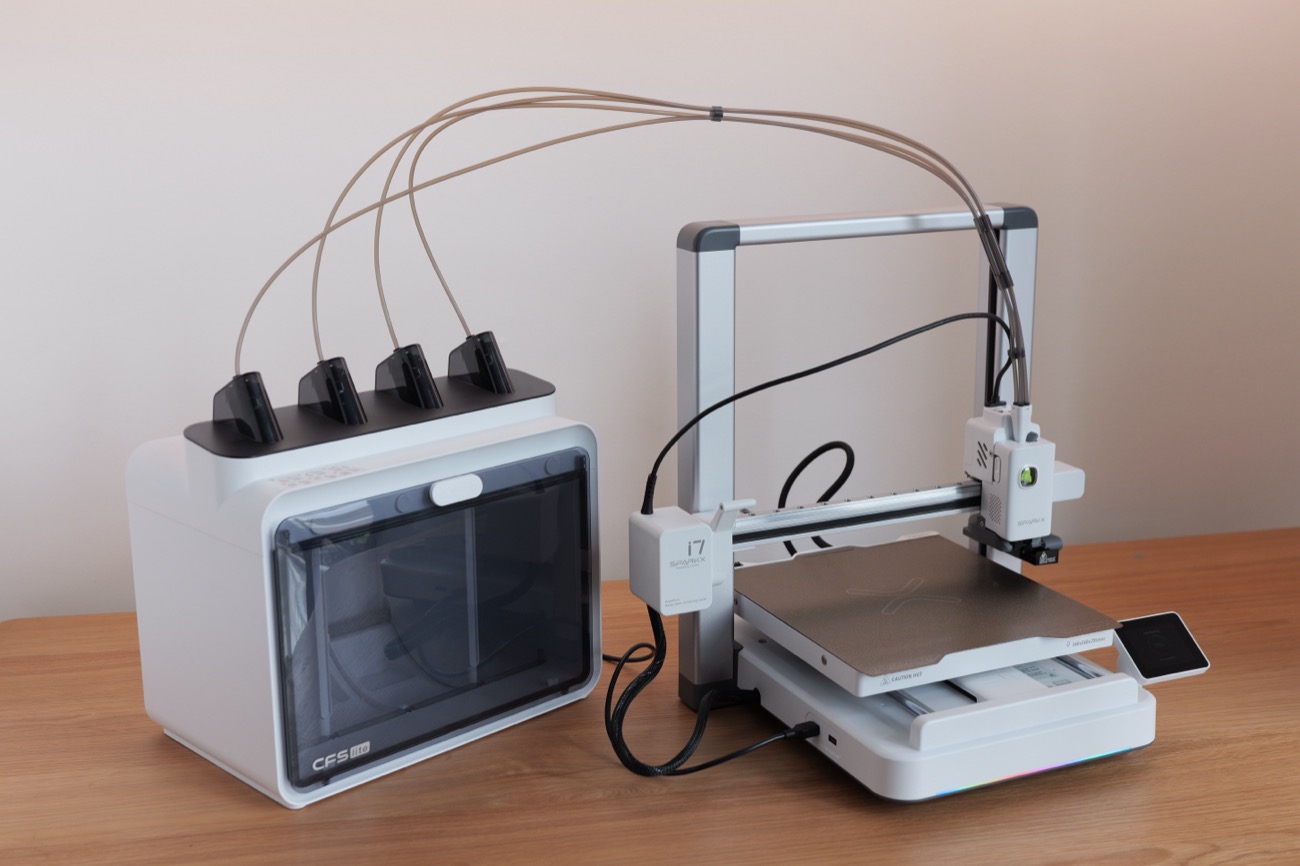
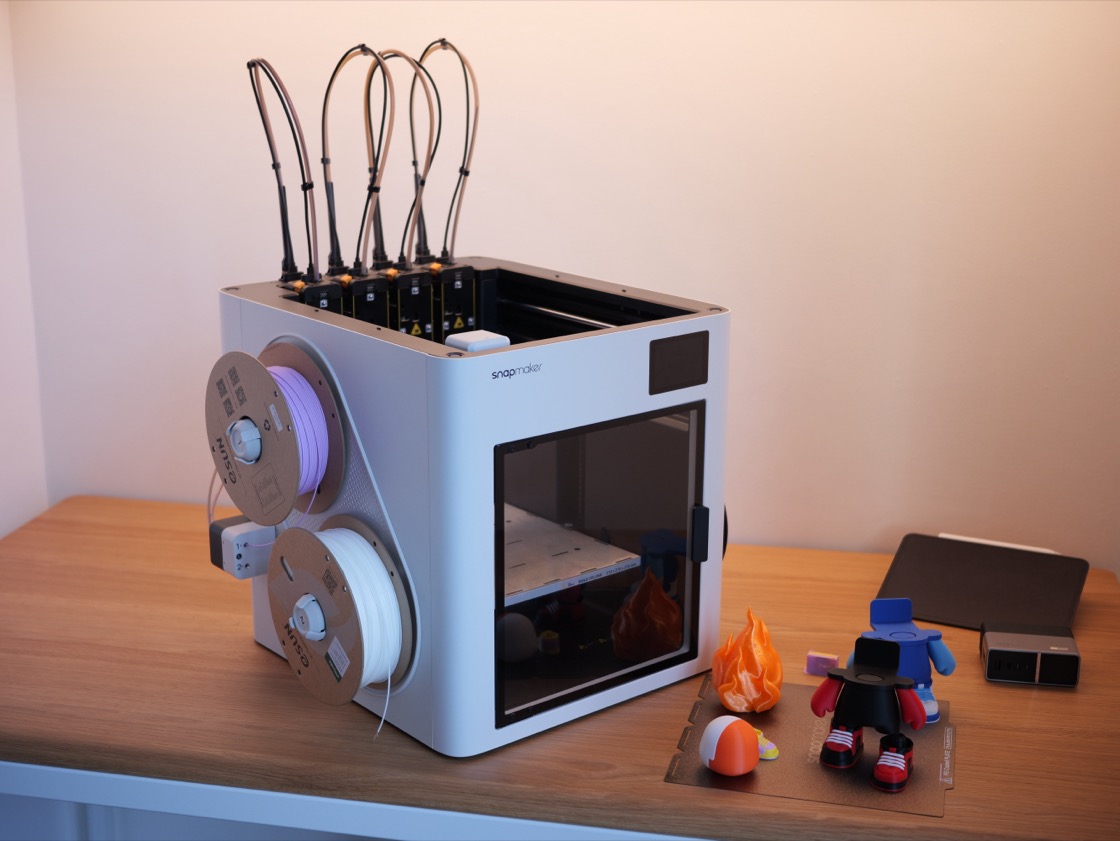
The U1 is a CoreXY tool-changer: four toolheads, pre-loaded and pre-heated, each with its own filament. To change color the machine simply swaps the toolhead — about 5 seconds instead of nearly 2 minutes, with almost no wasted filament. It's one of the smartest, most economical ways to print multi-color at this price.
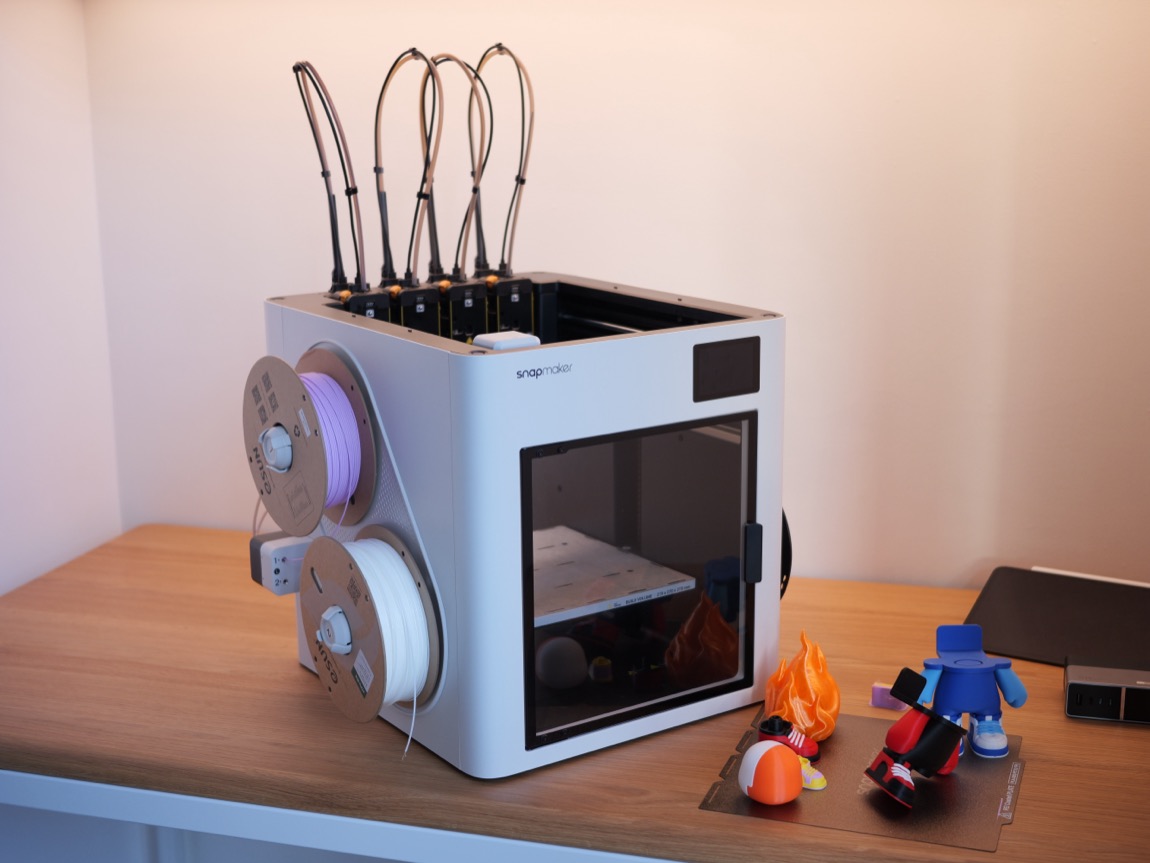
What the U1 does well
SnapSwap™ — ~5-second swaps
Four pre-loaded, pre-heated toolheads; changing color swaps the toolhead in seconds instead of cutting, purging and re-loading like a single-head machine.
Remarkably low waste
Each head keeps its own filament, so there's no cross-contamination purging — up to ~30% less plastic waste, no purge clogs, just a small prime tower.
Fast & precise
A CoreXY frame with a light, rigid carbon-fiber X rail — up to 500mm/s (a clean 200–250mm/s in practice), 20,000mm/s² acceleration.
Clean, sharp multi-color
Crisp color transitions with no bleed — clean, detailed multi-color prints even at high speed.
Tidy and easy to use
A semi-enclosed cube with a touchscreen and a viewing window — intuitive to run, even for newcomers.
Great value
At ~$999, the U1 brings tool-changing tech — usually reserved for pricey machines — within reach of everyday users and small farms.
Where it's not yet optimal
No machine is perfect — here are the trade-offs worth knowing before you buy, so you can get the most out of the U1.
Open, exposed filament spools
Four spools mount on the outside with no dry box. In a humid climate like Vietnam, you'll want your own dry box/cabinet to keep the filament in good shape.
Semi-enclosed, no active heating
The base is semi-enclosed with no active chamber heating. For ABS / ASA / PC / nylon you'll want the optional Top Cover (~$149) to hold heat and avoid warping.
Young software & ecosystem
Snapmaker Orca is still in beta, and the model library and community are smaller than the Bambu, Prusa or Creality ecosystems — it should mature over time.
The Snapmaker U1 through my lens
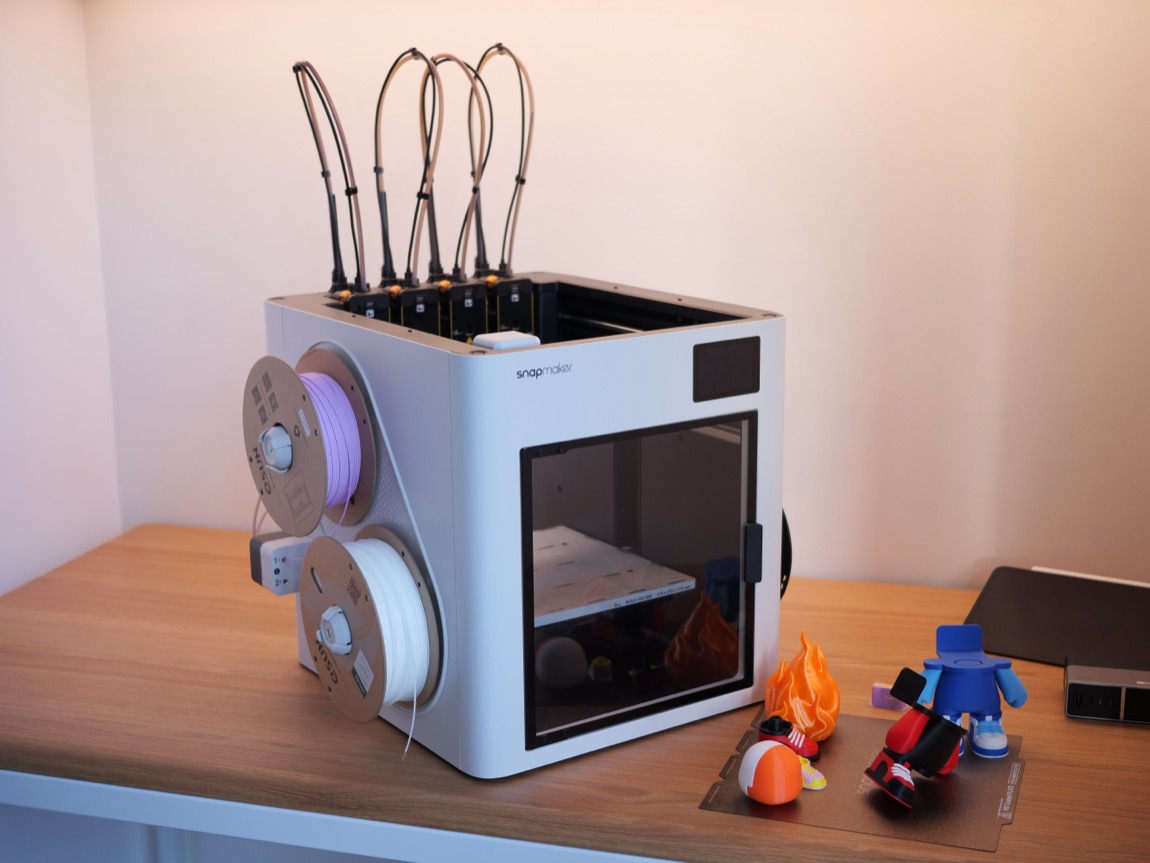
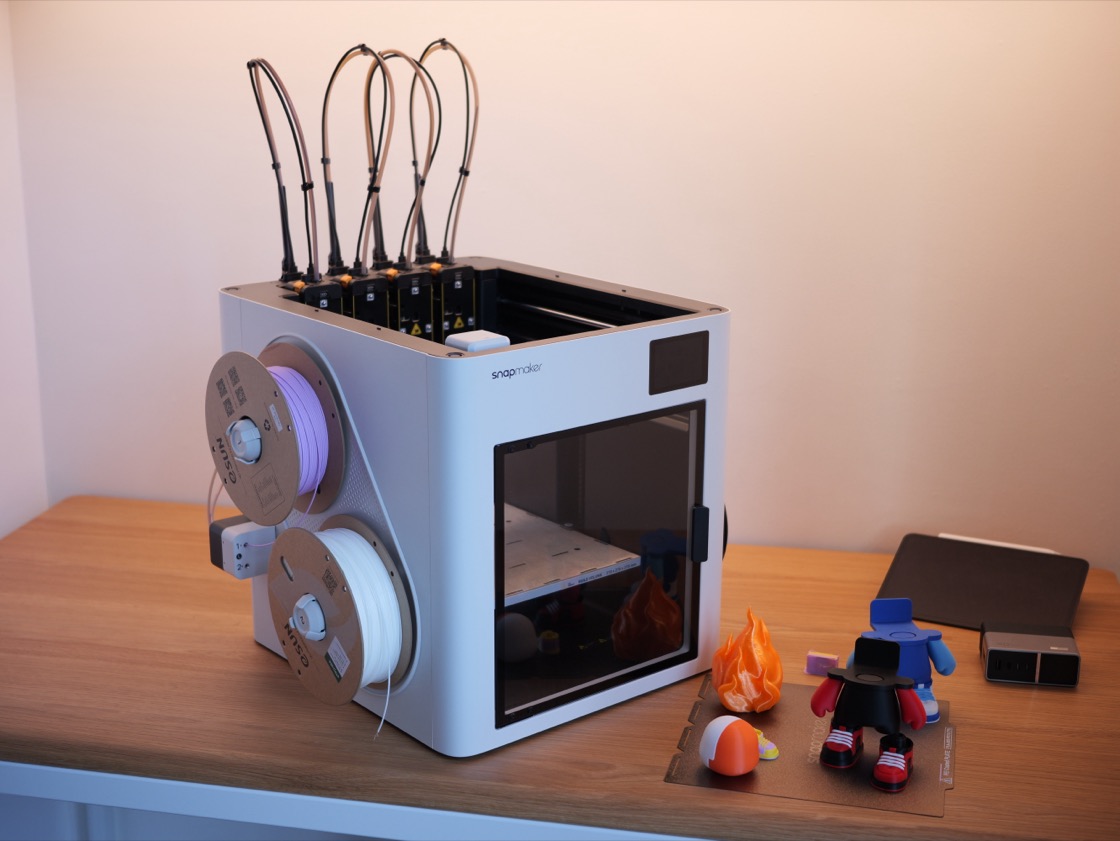
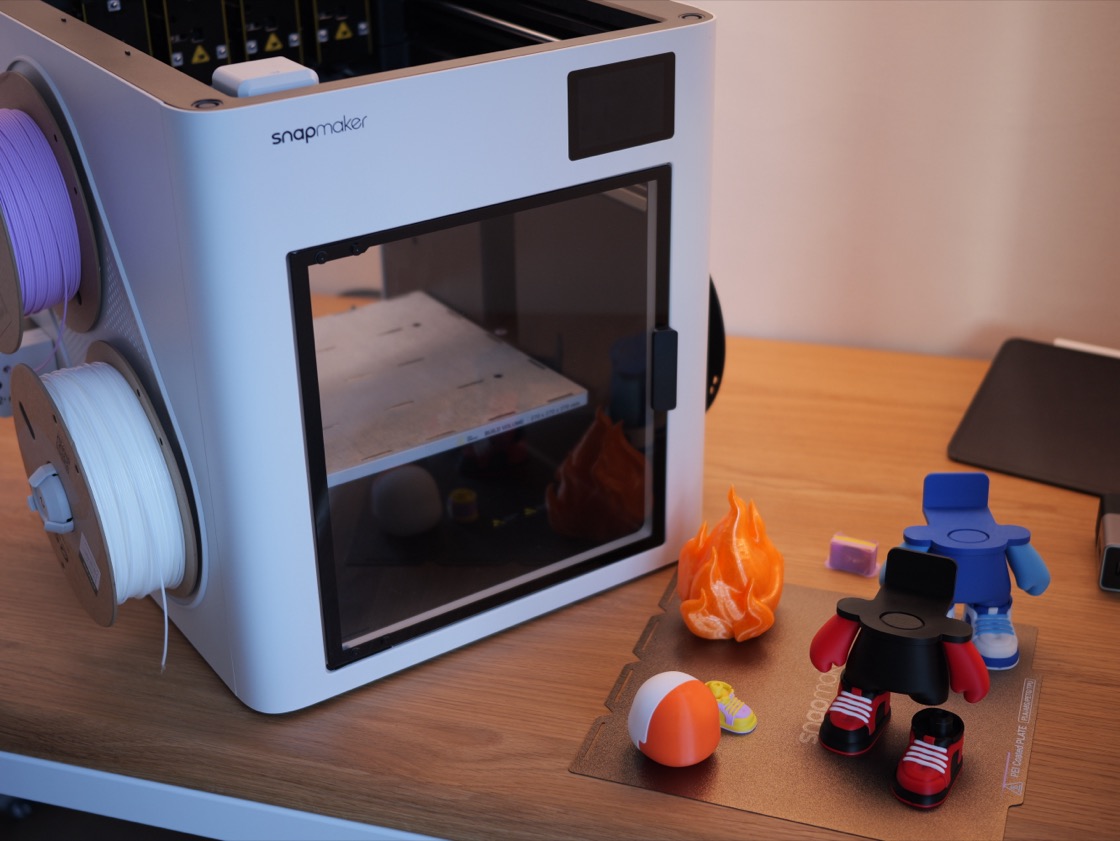
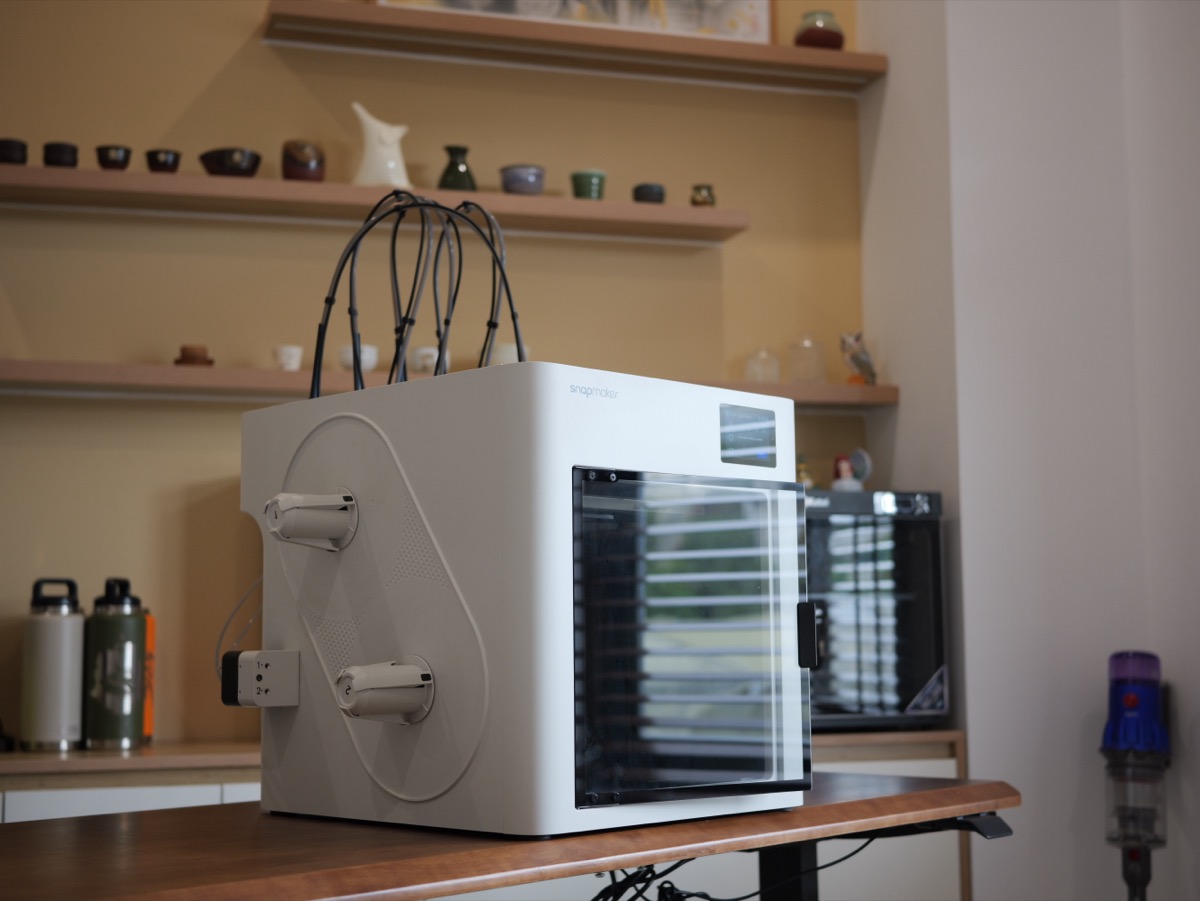
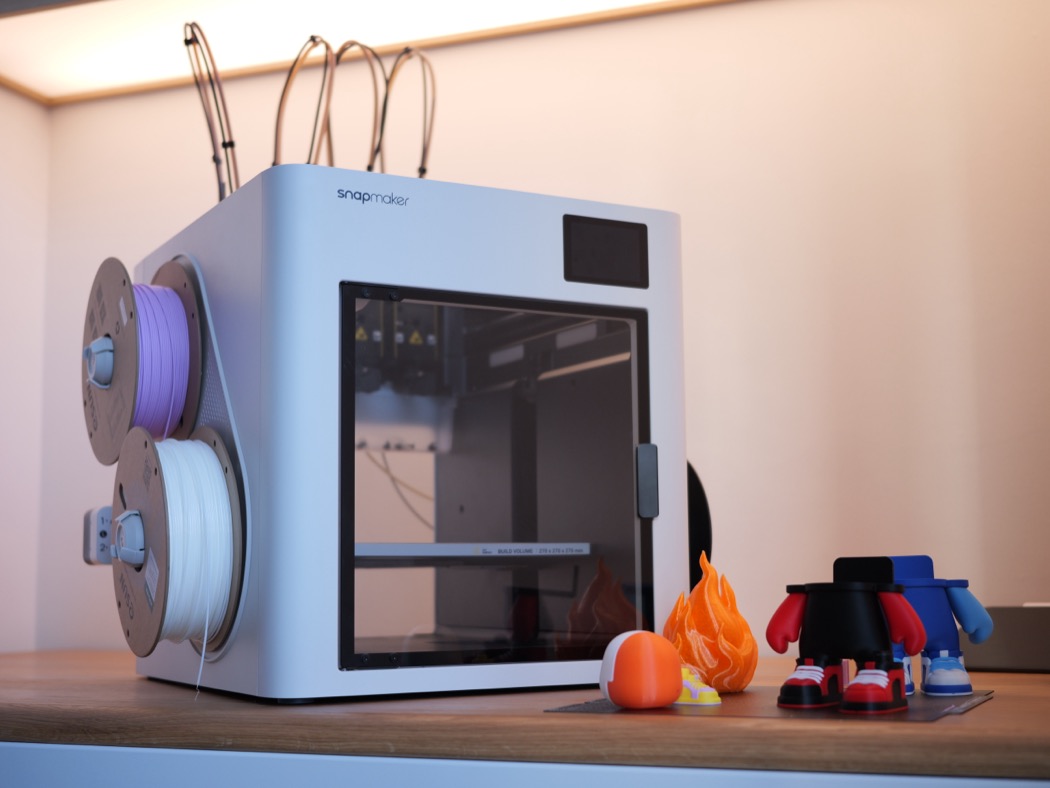
Technical details
See the full review on video
I put the U1 through more in the video — swap speed, print quality, waste and the real-world experience. Give it a watch and follow Ariel Studio.